

There is a difference between attending a meeting and hosting one. Hosting is a job, and when it is done well nobody notices it happening.
Ten minutes before
Open the room early. Arriving to an empty meeting is a small, avoidable anxiety for a guest, and it costs you nothing to be there first.
Check the three things that actually go wrong: the right microphone is selected, your camera is the one you think it is, and anything you plan to share is already open in a tab. Discovering a wrong input device while eight people watch is the most common way a professional meeting stops looking professional.
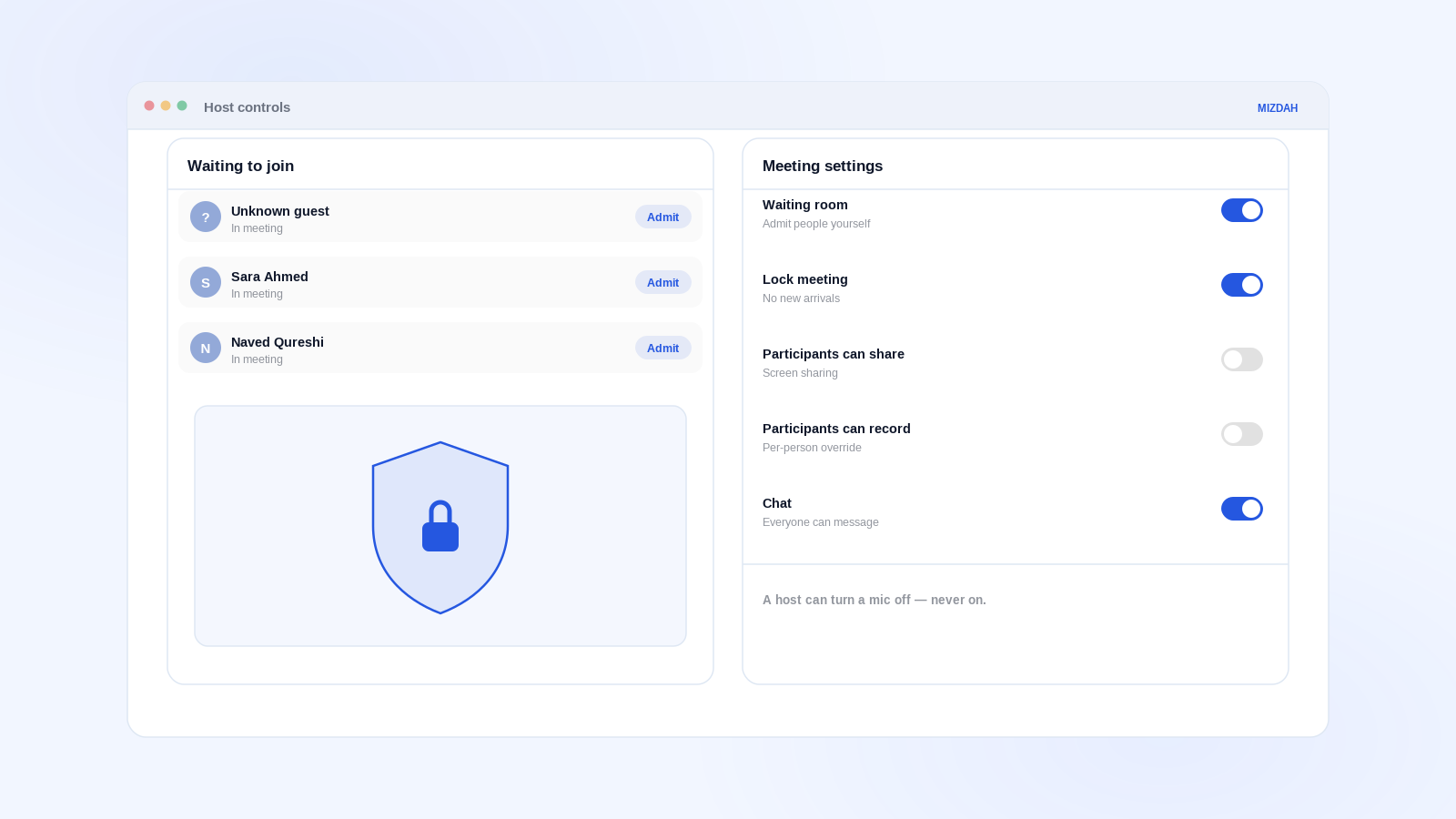
If the meeting is external, turn on the waiting room. It means nobody wanders in from a forwarded link mid-sentence.
The first two minutes
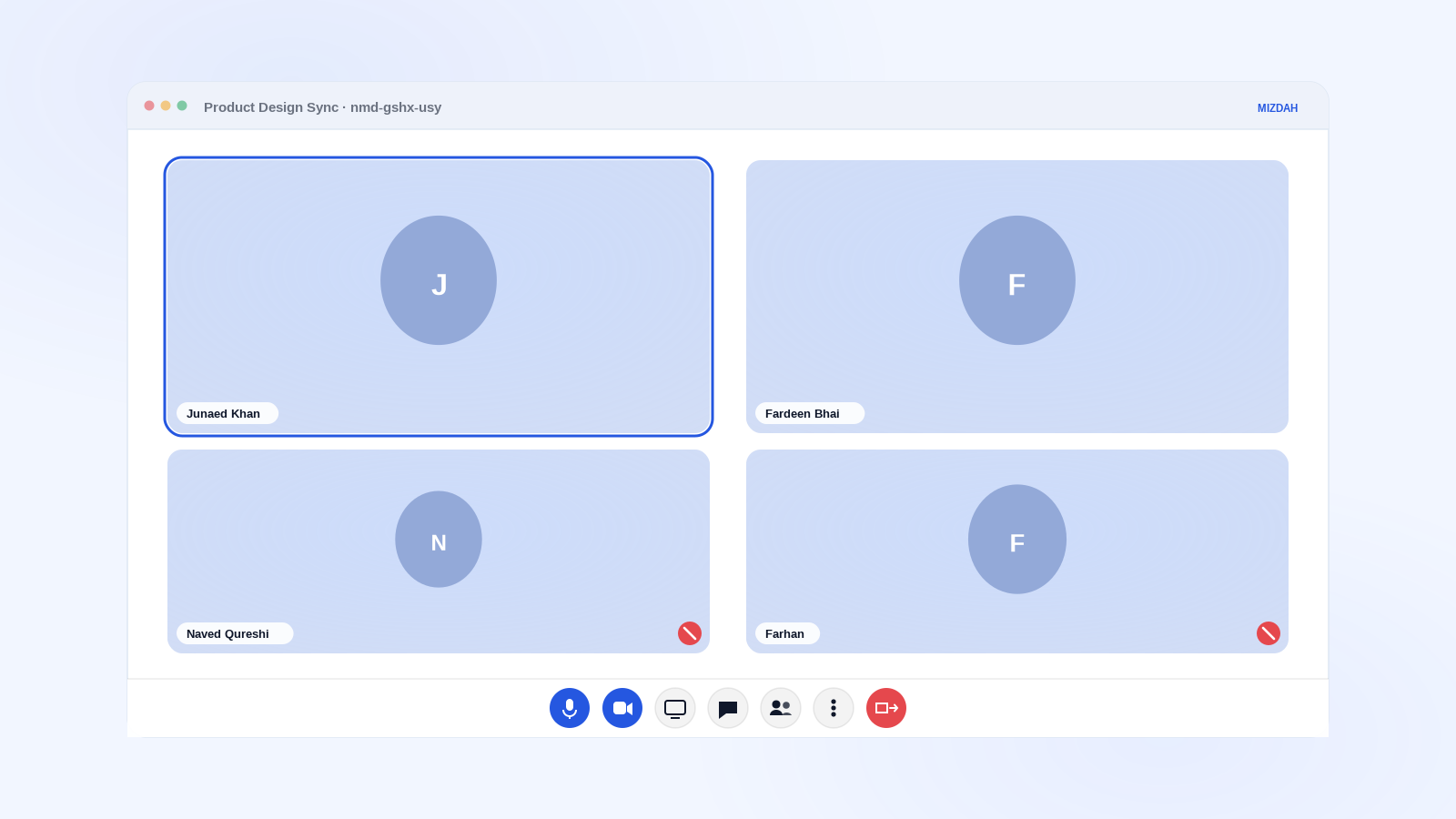
Say who is here and why. Names and roles, briefly — remote meetings have no name badges and no seating plan, and people spend the first ten minutes quietly working out who is talking.
Then state the purpose and the finish time. If you are recording, say so now, plainly, and say what the recording is for.
During
Manage the floor. In a room, people read body language to know when to speak; online they cannot, so the host has to hand over explicitly. "Sara, you had a view on this" is the single most useful sentence a host has.
Keep an eye on who has not spoken. Silence online is ambiguous — it can mean agreement, disconnection, or a muted microphone nobody noticed.
If someone's connection is failing, say it out loud and move on rather than letting the meeting stall in confusion. They can catch up from the recording.
Ending
End on time, even mid-topic. Overrunning is a decision to spend other people's day, and it is rarely yours to make.
Close with the summary: what was decided, who owns it, when it is due. Then send it in writing.
Insights and guides from the team building Mizdah.
Ready to communicate better?
Start using Mizdah today — no download, no sign-up to join.
Get Started