

There is no shortage of ways to have a video call. We built Mizdah anyway, for a fairly specific reason.
The thing we kept running into
Meeting tools are good at the call and bad at everything around it. Joining requires the right application at the right version. Sharing a link means explaining which button to press. Half the useful controls are hidden behind an account, and the other half behave differently on a phone.
None of that is about video quality, which is the thing most products compete on and the thing that has been adequate for years.
What we decided to hold to
A link should just work. Mizdah runs in a browser. A guest with a link joins — no download, no account, no version check. That constraint rules some things out, and we think it is worth it.
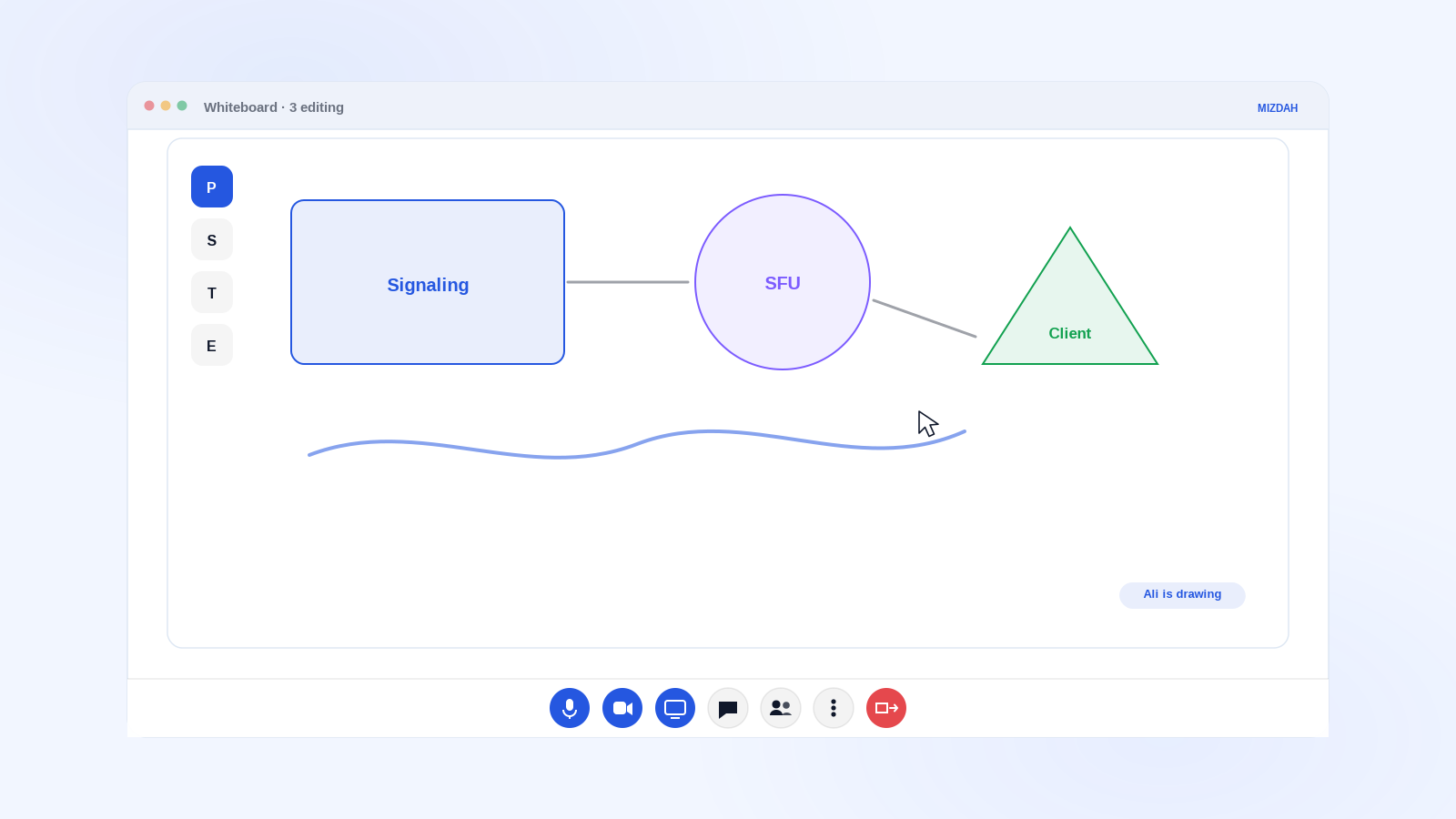
Web and mobile should be the same meeting. Not a full experience and a companion one. The same controls, the same permissions, the same whiteboard, in sync.
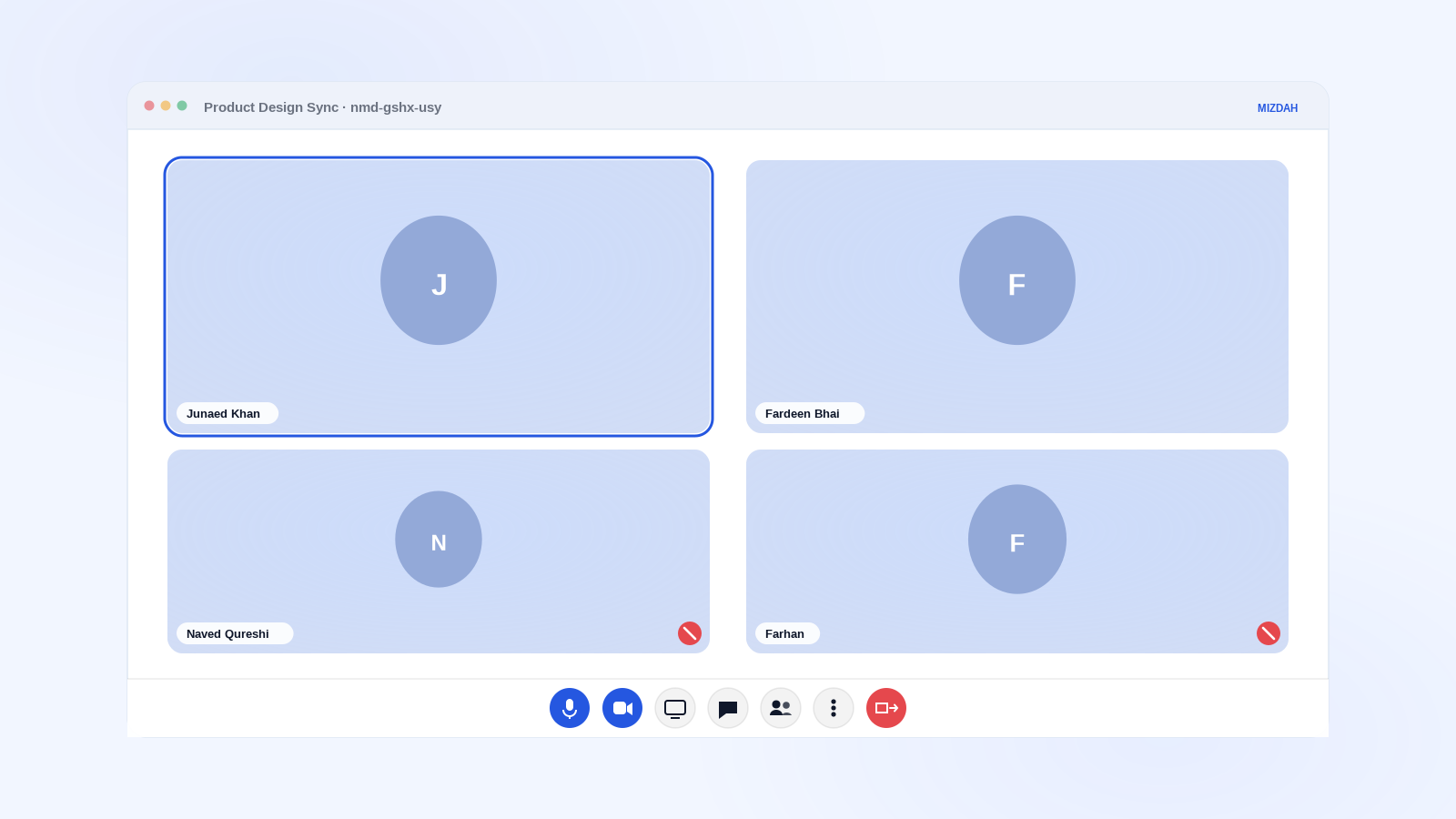
The host controls should be honest. A host can turn a participant's microphone or camera off. A host cannot turn them on, because forcing someone's camera on is not a feature. That asymmetry is deliberate and we do not intend to soften it.
Recording is always visible. There is no silent recording in Mizdah, and there will not be.
Where we are
Meetings, chat, screen sharing, recording, scheduling, breakout rooms, whiteboards and calls are all live and in use. Plenty is unfinished, and we would rather say so than pretend otherwise.
What is next
More of the work between meetings — the notes, the summaries, the record of what was decided. That is where teams actually lose time, and it is where we think the interesting problems are.
If you try it and something is wrong, tell us. That is genuinely more useful to us right now than praise.
Insights and guides from the team building Mizdah.
Ready to communicate better?
Start using Mizdah today — no download, no sign-up to join.
Get Started