

Scheduling creates a meeting with a fixed time and a reusable link, which is what you want for anything in the future.
Create it
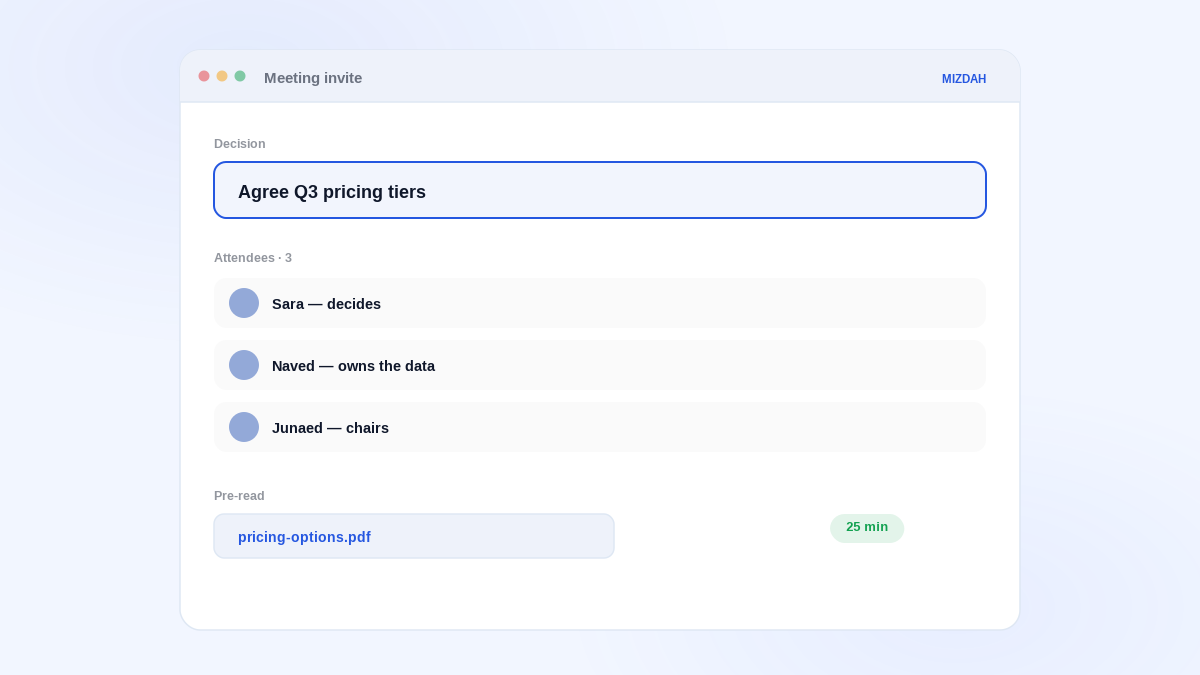
From Home, choose Schedule. Give it a title, a date and a time, and a length. The title is what everyone sees in their calendar, so make it the decision rather than the topic.
Add attendees by email. They get an invitation and the meeting appears in their Mizdah calendar, whether or not they use Google Calendar.
Recurring meetings
Set a recurrence and Mizdah creates the series. In your lists a recurring meeting is collapsed to its next occurrence, so a calendar full of repeats still shows you the shape of your week.
Editing gives you the choice that matters: this occurrence, or the whole series. Stopping a recurrence leaves past occurrences intact.
The link
A scheduled meeting's link is reusable. People can open it before you arrive and wait, and it keeps working for the whole series rather than expiring after one use.
Connecting Google Calendar
If you connect Google Calendar, scheduled meetings sync both ways: what you create in Mizdah appears there, and events already on your calendar show up in Mizdah alongside them. Events that came from your calendar rather than Mizdah are marked, because they are not Mizdah rooms and have no join button.
Before it starts
The invite is the last chance to make the meeting good. Put the decision in the title, the material in the description, and keep the attendee list to the people who will shape the outcome.
Insights and guides from the team building Mizdah.
Ready to communicate better?
Start using Mizdah today — no download, no sign-up to join.
Get Started