

Screen sharing has had a round of fixes aimed at the two things people actually reported.
Audio travels with the share
Sharing a single tab has always carried that tab's audio. Sharing your entire screen now carries system audio too, where the platform allows it — so a video played from a desktop application reaches the room instead of playing only to you.
Previously this produced the confusing half-state where participants could hear a video but saw nothing, or saw it and heard silence.
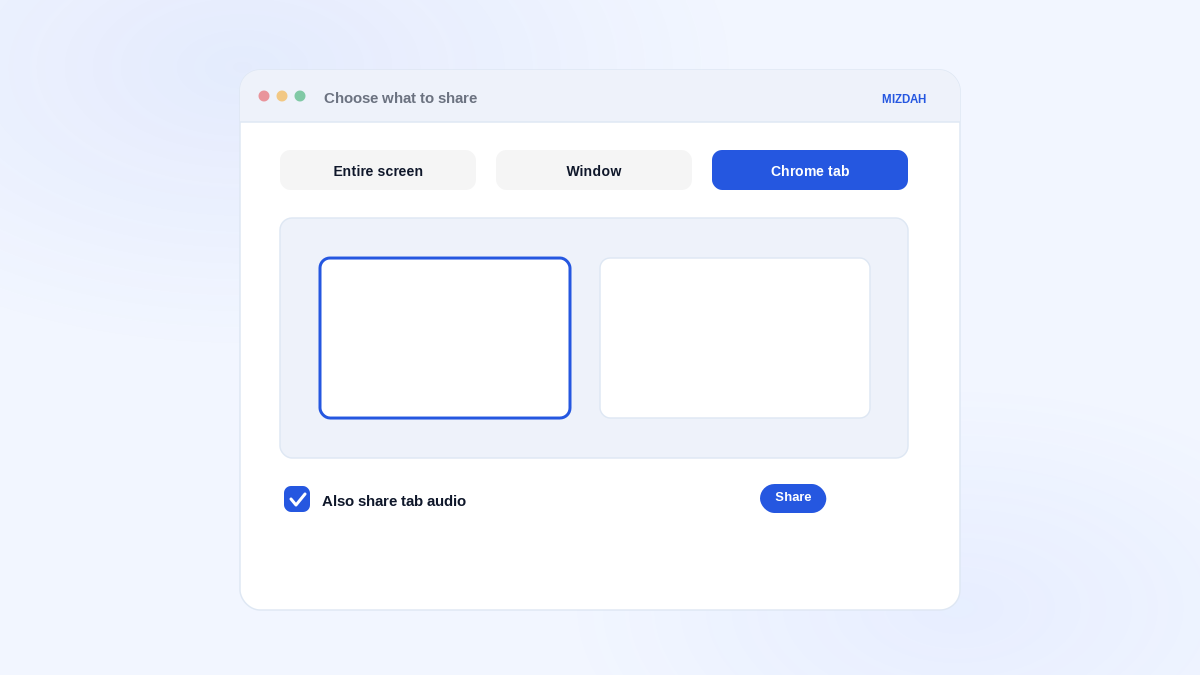
A shared tab arrives as a shared tab
A screen track can reach a participant a moment before the message describing what it is. That race used to put a share into the camera slot, which is why a shared tab occasionally showed up as a black participant tile.
The stream now identifies itself, so it is placed correctly regardless of which arrives first.
Presenting is clearer
The presenting indicator and the stop-sharing control have been tidied, and a participant who joins mid-presentation now picks up the share immediately rather than waiting for the next frame.
Also
Turning a camera off no longer leaves a frozen last frame in place of the avatar, and the whiteboard is now removed for everyone on every platform when a host turns sharing off — previously it could linger on one side.
Insights and guides from the team building Mizdah.
Ready to communicate better?
Start using Mizdah today — no download, no sign-up to join.
Get Started