

Meeting privacy is a set of specific controls against specific problems. Knowing which does what is most of the work.
The waiting room
A waiting room means nobody enters until the host admits them. It protects against the shared or forwarded link — the most common way an uninvited person arrives.
Use it for anything external. For a recurring internal standup it is mostly friction.
Locking a meeting
Locking stops all new arrivals, admitted or not. It is the control for "everyone who should be here is here" — useful once a sensitive conversation has actually started.
Host controls
A host can mute participants, turn off their cameras, control who may share their screen, and remove someone. Note the asymmetry: a host can turn your microphone off but never on. Forcing someone's mic or camera on is a privacy violation, so the control simply does not exist.
Recording
Recording is visible to everyone in the meeting while it happens; there is no silent recording. Hosts control who may record, and that permission can be granted per participant.
Blocking and calls
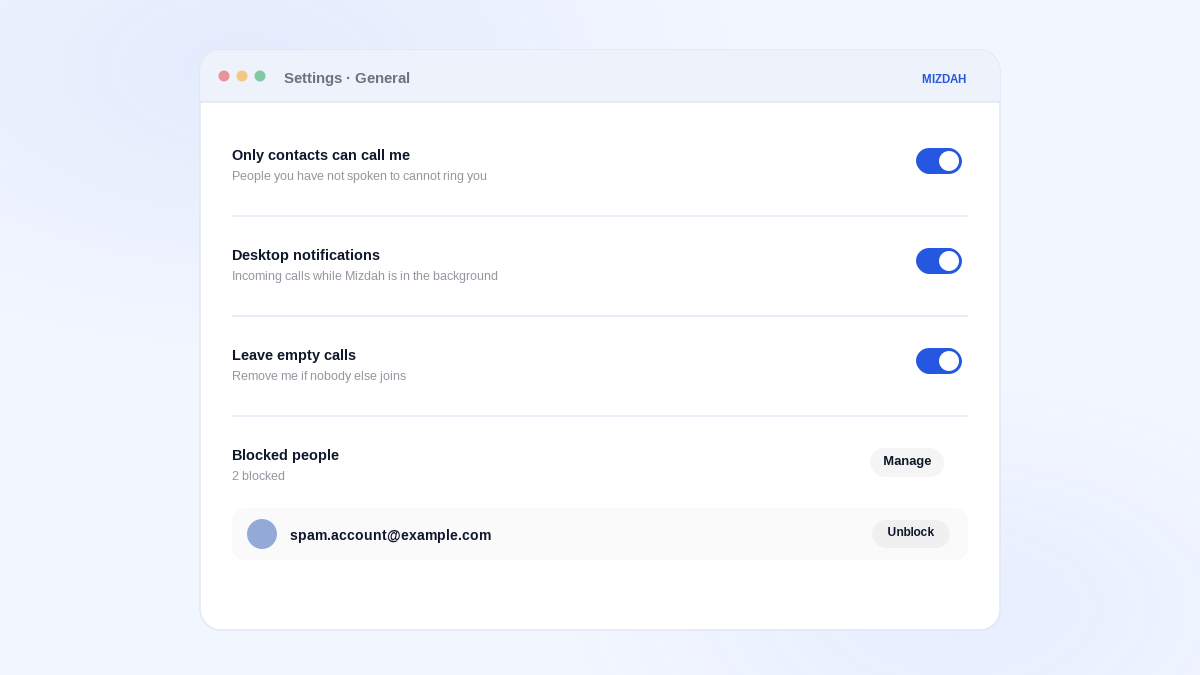
Outside meetings, you can block a person, which covers both chat and calls. You can also limit incoming calls to people you have spoken to before, from Settings — enforced on the server, so a client that ignores the setting still cannot ring you.
What to actually do
For an external meeting: waiting room on, screen sharing restricted to hosts until you need otherwise, and lock the room once everyone has arrived.
For an internal one: none of this matters much, and the friction is not worth it. Match the control to the risk.
Insights and guides from the team building Mizdah.
Ready to communicate better?
Start using Mizdah today — no download, no sign-up to join.
Get Started